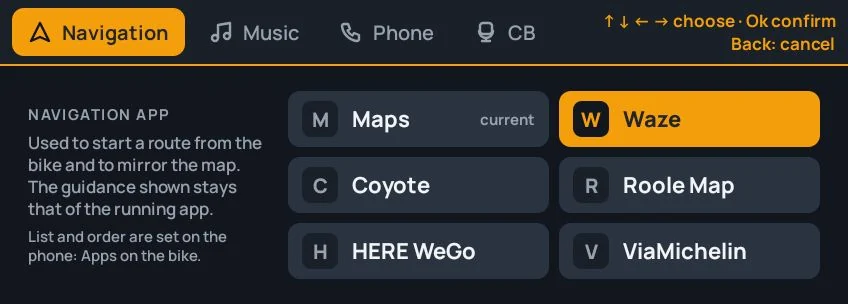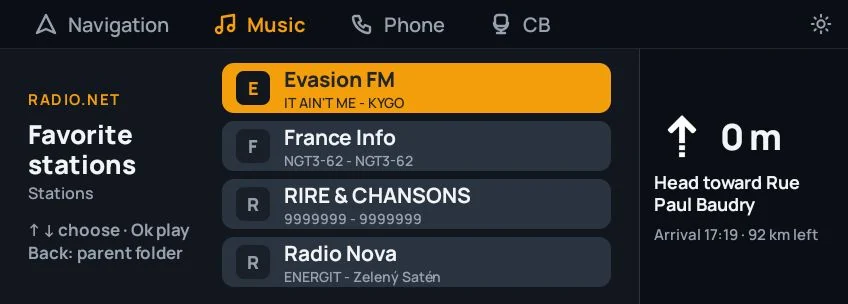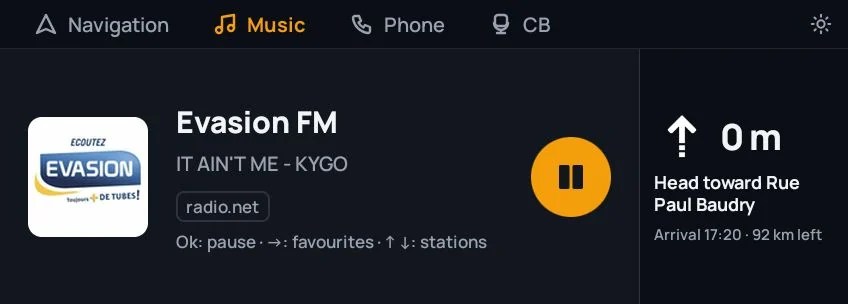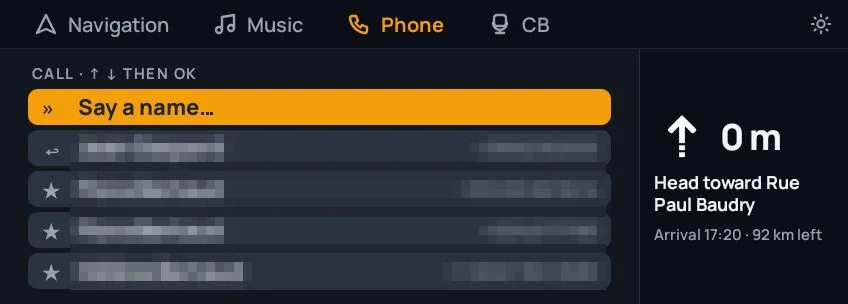
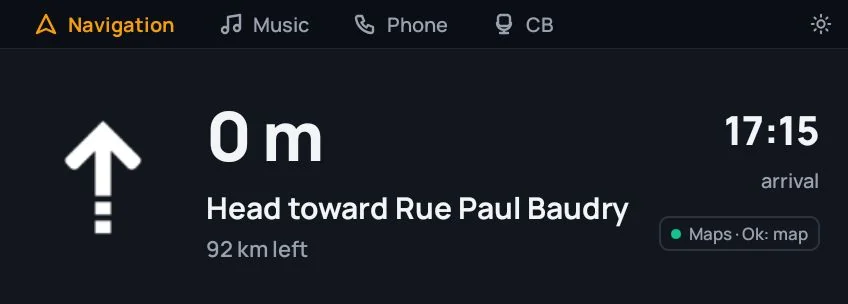
Waze, Google Maps or Coyote on the Ducati's screen
Two ways to see the road, depending on the app and on your mood : large-type guidance, or the app's own map.
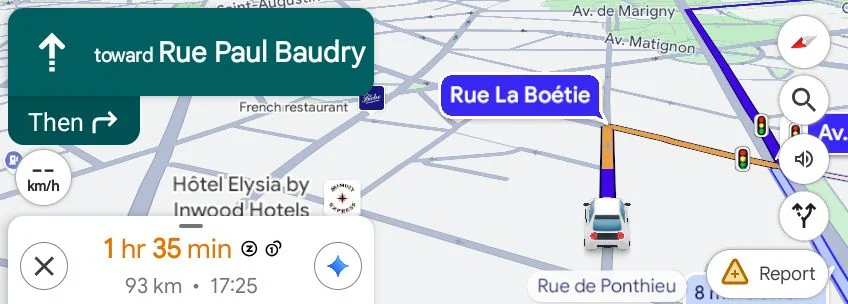
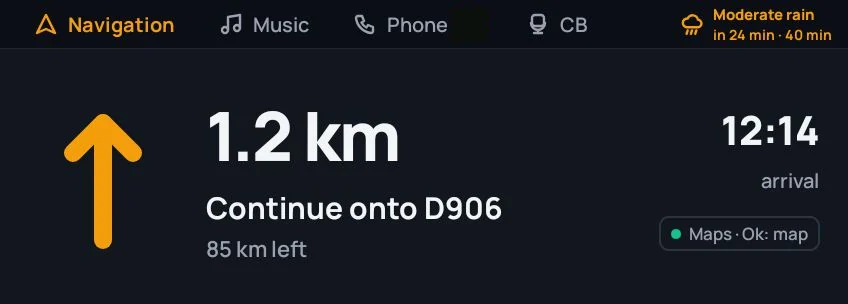
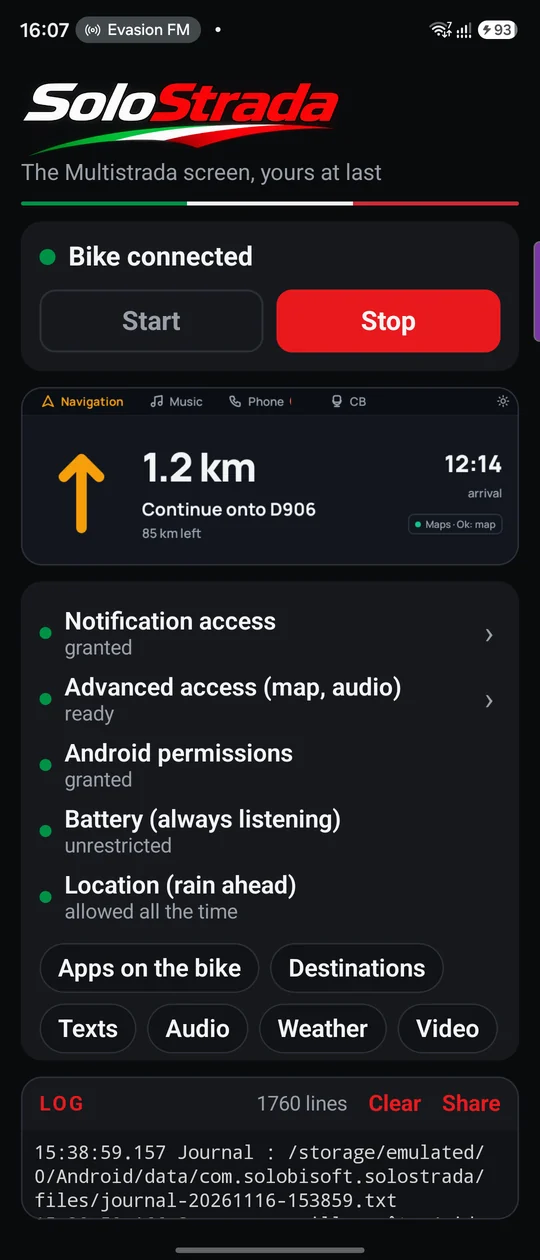
- Plain guidance. Google Maps, Coyote and the apps that publish their turn-by-turn show the next manoeuvre, its distance, the street and the arrival time. Start the route on the phone, put it away, ride.
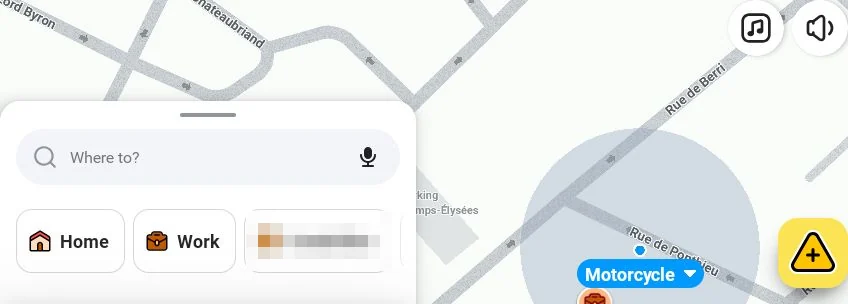
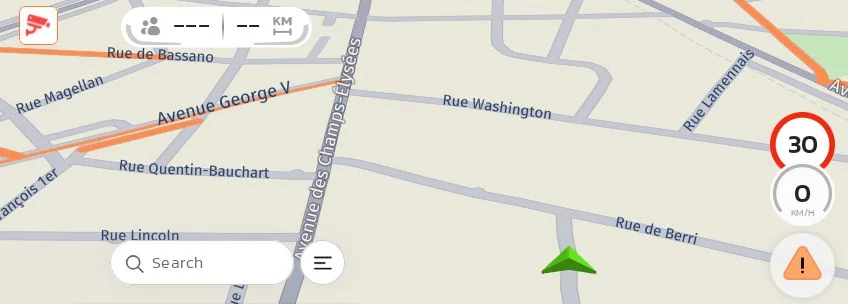
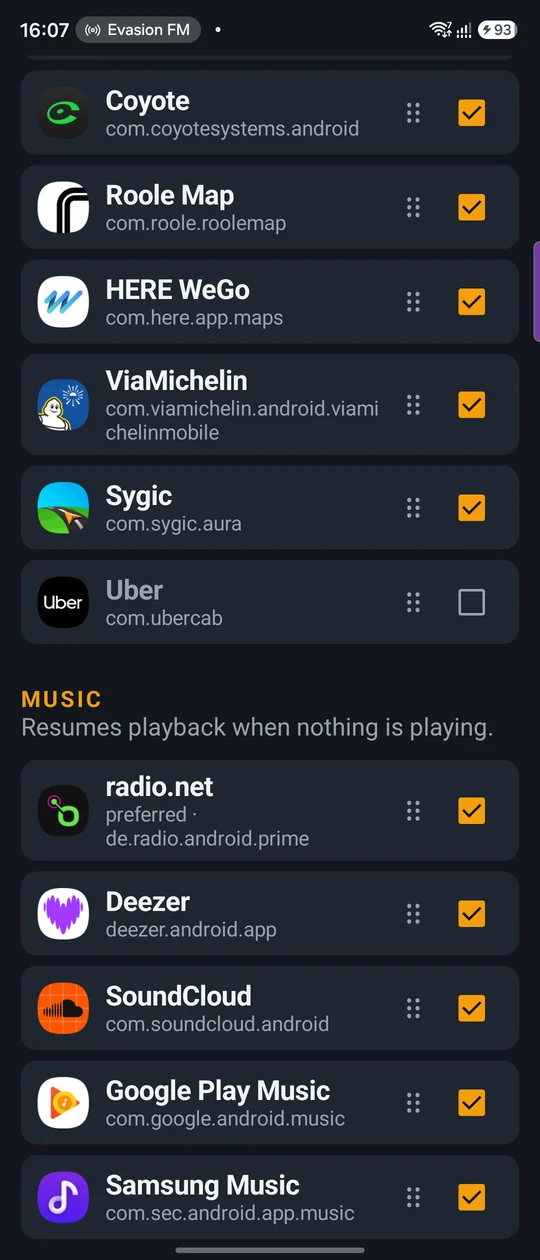
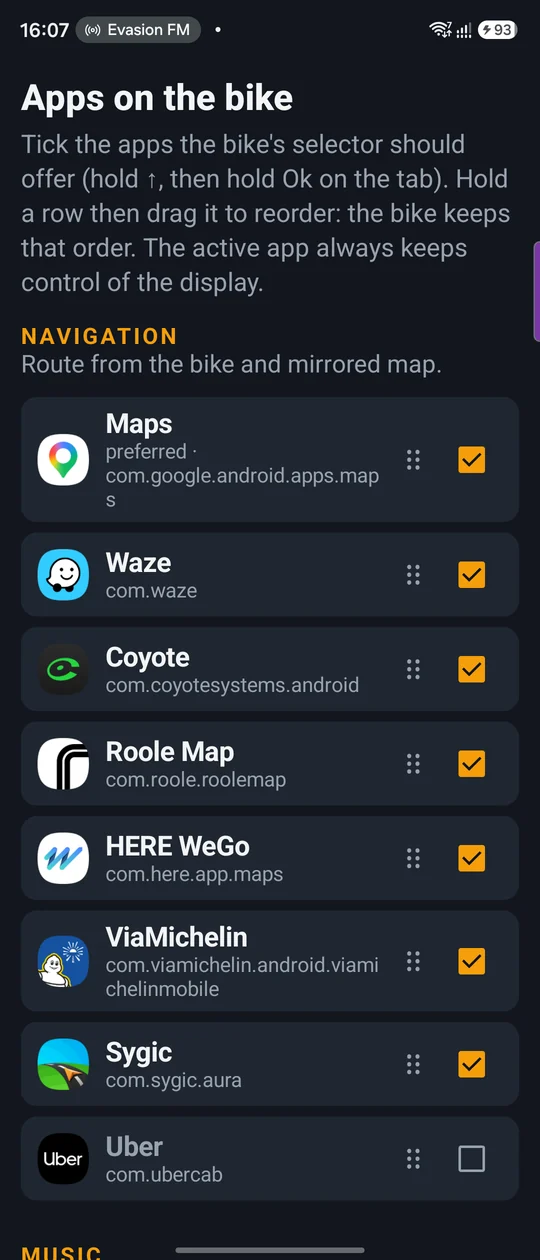
- The mirrored map. The navigation app opens on a virtual screen the size of the dashboard and shows there continuously, phone locked in your pocket. Waze, Maps, HERE WeGo, Coyote, calimoto, ViaMichelin: the live map, the traffic, the speed cameras.
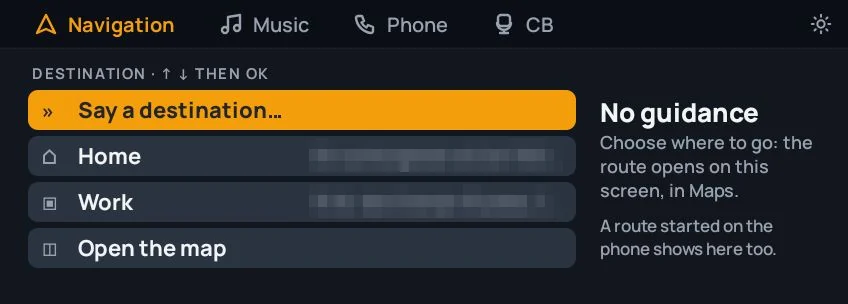
- The destinations menu. With no route running, Ok opens a list: “Say a destination…” by voice, in your helmet, Home, Work, the last destinations launched from the bike, your starred contacts with an address, and “Open the map”. Ok starts the route in the chosen app, to the exact spot.
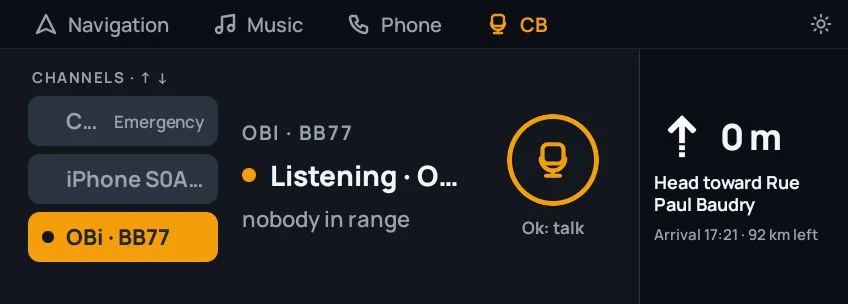
- Guidance in the margin. You switch to Music or Phone during a trip ? The next manoeuvre, its distance and the arrival time stay on the right of the screen.
- The map survives. Switching tiles doesn't close the map : an amber dot on the Navigation tab reminds you it's running, and it comes back as soon as you return.
- A call doesn't push the map away. It stays on screen with a banner: who is calling, then the duration, with the call gestures.
- ↑ ↓ · OkPick a destination, start the route.
- joystickOn the map, the arrows and Ok go to the navigation app.
- ↑ held · OkClose the map and go back to destinations.